
7 tools that give your AI agent long-term memory
Seven verified tools that give AI agents long-term memory — an MCP server for Claude, embeddable libraries and self-hosted graph engines.
7 tools · Last checked
An agent that forgets starts over every morning. These seven open-source tools give it memory that survives the session: preferences, facts, decisions, code context.
Every pick pushed a commit in the last 90 days (checked 2026-11-11), has an install command from its own docs, and a license that lets you run it free. Ordered easy to advanced: a config file, then embeddable libraries, then servers and graph engines you self-host.
The 7 tools at a glance #
| Tool | What it does | Price | Install |
|---|---|---|---|
| Memory MCP server | Knowledge-graph memory inside Claude | Free · OSS (MIT → Apache-2.0) | config in claude_desktop_config.json |
| mem0 | Memory layer for any LLM app | Free · OSS (Apache-2.0) | pip install mem0ai |
| supermemory | Memory engine with hosted or self-hosted API | Free · OSS (MIT) | npm install supermemory |
| LangMem | Long-term memory for LangChain agents | Free · OSS (MIT) | pip install -U langmem |
| Letta Code | Agent harness with self-editing memory | Free · OSS (Apache-2.0) | npm install -g @letta-ai/letta-code |
| Graphiti | Temporal knowledge graph engine | Free · OSS (Apache-2.0) | pip install graphiti-core |
| cognee | Self-hosted graph + vector memory platform | Free · OSS (Apache-2.0) | pip install cognee |
1. Memory MCP server: Claude remembers you, zero code #
The Memory MCP server is the MCP project's reference memory server. MCP (Model Context Protocol) is how Claude connects to tools; this one lets Claude remember facts about you across chats.
What: Entities, relations and observations live in a local knowledge graph Claude reads and writes through MCP.
Why: Setup is a JSON block in claude_desktop_config.json — no code, and the graph is a readable file on your disk.
Use when: You want persistent memory in Claude Desktop or Claude Code today.
Install:
{
  "mcpServers": {
    "memory": {
      "command": "npx",
      "args": ["-y", "@modelcontextprotocol/server-memory"],
      "env": { "MEMORY_FILE_PATH": "/path/to/custom/memory.jsonl" }
    }
  }
}
Catch: Its README calls it a basic implementation: a flat graph in one JSONL file, with no semantic search. Set MEMORY_FILE_PATH, because the default file sits in the npx cache and a cache clear deletes it.
2. mem0: the memory layer you pip install #
Mem0 adds a memory layer to AI assistants and agents: it remembers user preferences and updates them over time. It has 68,000+ GitHub stars (2026-11-11).
What: Two calls — add() to store, search() to recall — backed by extraction and consolidation instead of raw chat logs.
Why: It drops into Python or Node apps (npm install mem0ai for Node).
Use when: You are adding memory to an existing chatbot or agent without changing frameworks.
Install:
pip install mem0aiCatch: The library has no UI. A dashboard needs the self-hosted server or the paid cloud platform.
3. supermemory: one API, hosted or self-hosted #
Supermemory is a memory engine with the same API locally and on its hosted platform. You switch between them by changing one baseURL.
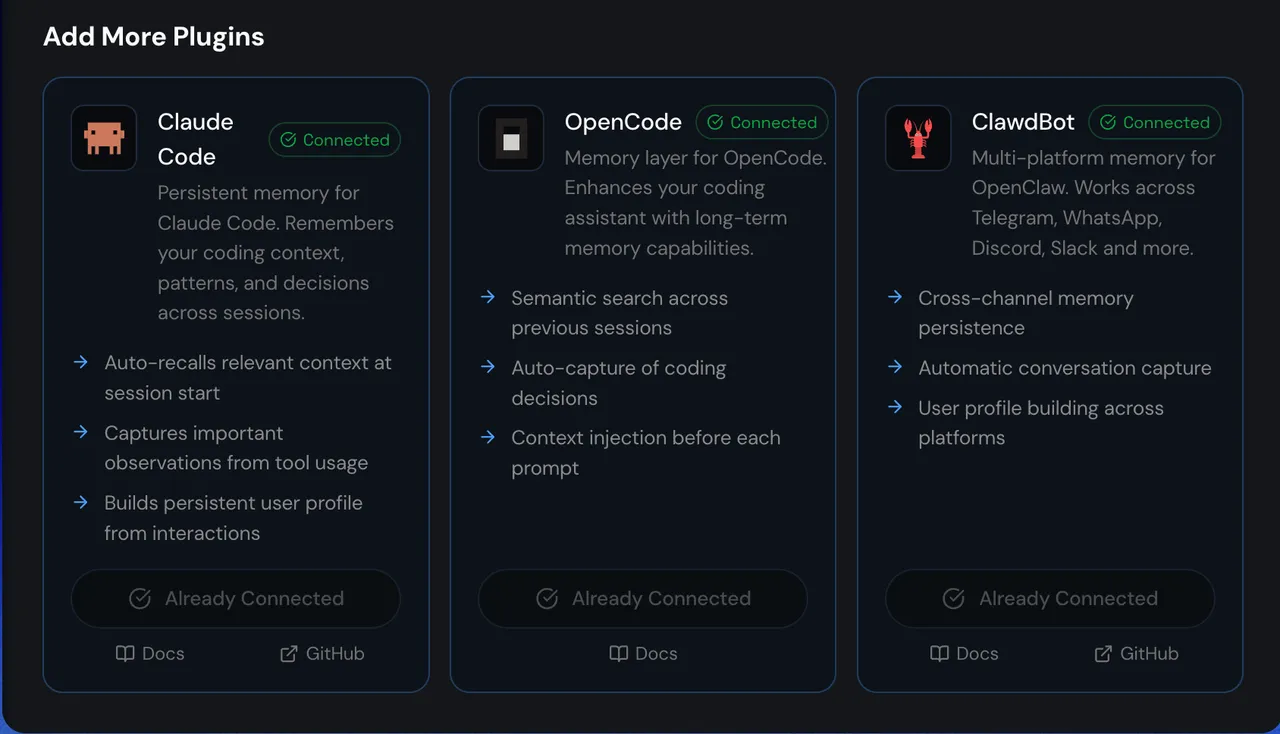
What: A memory engine behind an API, with Docker images for self-hosting and connectors for coding agents.
Why: Starting on the cloud tier does not lock you in.
Use when: You want memory as a service now and the option to move it in-house later.
Install:
npm install supermemoryCatch: Self-hosting means running its Docker compose stack plus an LLM provider key.
4. LangMem: memory inside LangChain #
LangMem is LangChain's memory library. It extracts important facts from conversations, refines prompts and keeps long-term memory.
What: Functional primitives that work with any storage, plus native integration with LangGraph's storage layer.
Why: Agents can save memories mid-conversation, or a background job consolidates them later, all inside LangChain.
Use when: Your agents already live in LangGraph and memory should too.
Install:
pip install -U langmemCatch: Extraction runs an LLM on your conversations — budget those API calls.
5. Letta Code: agents that edit their own memory #
Letta Code, from the team behind MemGPT, is a stateful agent harness. Its agents rewrite their own memory, skills and prompts over time, instead of an outside service deciding what to keep.
What: A CLI agent where memory blocks are part of the agent's state, tracked in git.
Why: The MemGPT lineage — memory as a first-class object the agent can rewrite.
Use when: You are building agents from scratch and want memory management built in, not bolted on.
Install:
npm install -g @letta-ai/letta-codeCatch: It is a whole agent, not a library you import into yours. Remote computers need a Letta account.
6. Graphiti: a temporal knowledge graph engine #
Graphiti is Zep's framework for temporal knowledge graphs. Each fact carries a validity window, so memory shows what was true at the time.
What: A Python core plus an MCP server, backed by a graph database you choose.
Why: When facts change (roles, prices, plans), old ones are marked invalid instead of competing with new ones.
Use when: Your domain's facts expire or get superseded and stale memory is a bug.
Install:
pip install graphiti-coreCatch: Bring your own graph database — Neo4j, FalkorDB or Amazon Neptune — and run it.
7. cognee: the self-hosted memory platform #
Cognee is an open-source memory platform that turns documents, code and conversations into a self-hosted knowledge graph your agents can search.
What: Pipelines that build a graph plus vector index, with reference MCP and REST servers.
Why: The whole memory pipeline in one package, from raw documents to queryable memory.
Use when: You want an all-in-one self-hosted platform rather than composing libraries.
Install:
pip install cogneeCatch: It runs on small local CPU models with no API key, but generated answers need an LLM key.
Which one to try first #
Want Claude to remember you tonight → #1. Adding memory to an existing app → #2. Memory as an API with a cloud escape hatch → #3. Already on LangGraph → #4. Agents that manage their own memory → #5. Facts that change over time → #6. One self-hosted platform for everything → #7.
FAQ
- How do I give Claude Desktop persistent memory?
- Add the official Memory MCP server to claude_desktop_config.json with npx -y @modelcontextprotocol/server-memory. Claude then reads and writes a local knowledge graph — entities, relations and observations — stored in a JSONL file on your disk.
- Is mem0 free?
- Yes, the Apache-2.0 library is free with pip install mem0ai, and a free self-hosted server adds a dashboard. Mem0's managed cloud platform is the paid option.
- Do I need a memory layer if I have a vector database?
- A vector database stores and retrieves embeddings; a memory layer extracts facts from conversations, consolidates them over time and decides what to recall. Many setups pair the two — a memory layer on top of a vector or graph store.