
7 tools that run LLMs locally on your laptop
Run LLMs locally with 7 free tools: desktop apps, command-line engines and OpenAI-compatible servers, each checked against its docs in November 2026.
7 tools · Last checked
Cloud chatbots send every prompt to someone else's server. These seven free tools run open models on your own laptop instead, offline.
Every pick shipped code in the last 90 days (checked 2026-11-11). They run from easiest to most hands-on: desktop apps, command-line engines, then the layers on top.
The 7 tools at a glance #
| Tool | What it does | Price | Install |
|---|---|---|---|
| LM Studio | Polished desktop app for local models | Free · proprietary (paid options) | brew install --cask lm-studio |
| Jan | Open-source offline chat app | Free · OSS (Apache-2.0) | brew install --cask jan |
| Ollama | CLI + local API for running models | Free · OSS (MIT) | curl -fsSL https://ollama.com/install.sh | sh |
| llamafile | One executable, zero install | Free · OSS (Apache-2.0) | curl -L -o llamafile … && chmod +x llamafile |
| llama.cpp | The inference engine underneath | Free · OSS (MIT) | curl -LsSf https://llama.app/install.sh | sh |
| Open WebUI | ChatGPT-style UI for your models | Free · custom BSD license | pip install open-webui |
| LocalAI | OpenAI-compatible local API server | Free · OSS (MIT) | docker run -ti --name local-ai -p 8080:8080 localai/localai:latest |
1. LM Studio: the polished desktop app #
LM Studio is a free desktop app for Mac, Windows and Linux that finds, downloads and runs local LLMs.
What: Browse a model catalog, download GGUF models (compressed weights that fit in laptop memory), chat in the app, and expose a local server for other tools.
Why: The easiest start: pick a model, click, chat. No terminal.
Use when: You want the app-store experience, not a project to babysit.
Install:
brew install --cask lm-studioCatch: Closed source, and its terms reserve some features for paying customers.
2. Jan: the open-source desktop app #
Jan is an open-source (Apache-2.0) chat app from Menlo Research. It downloads Llama, Gemma and Qwen models from Hugging Face and serves an OpenAI-compatible API on localhost:1337.
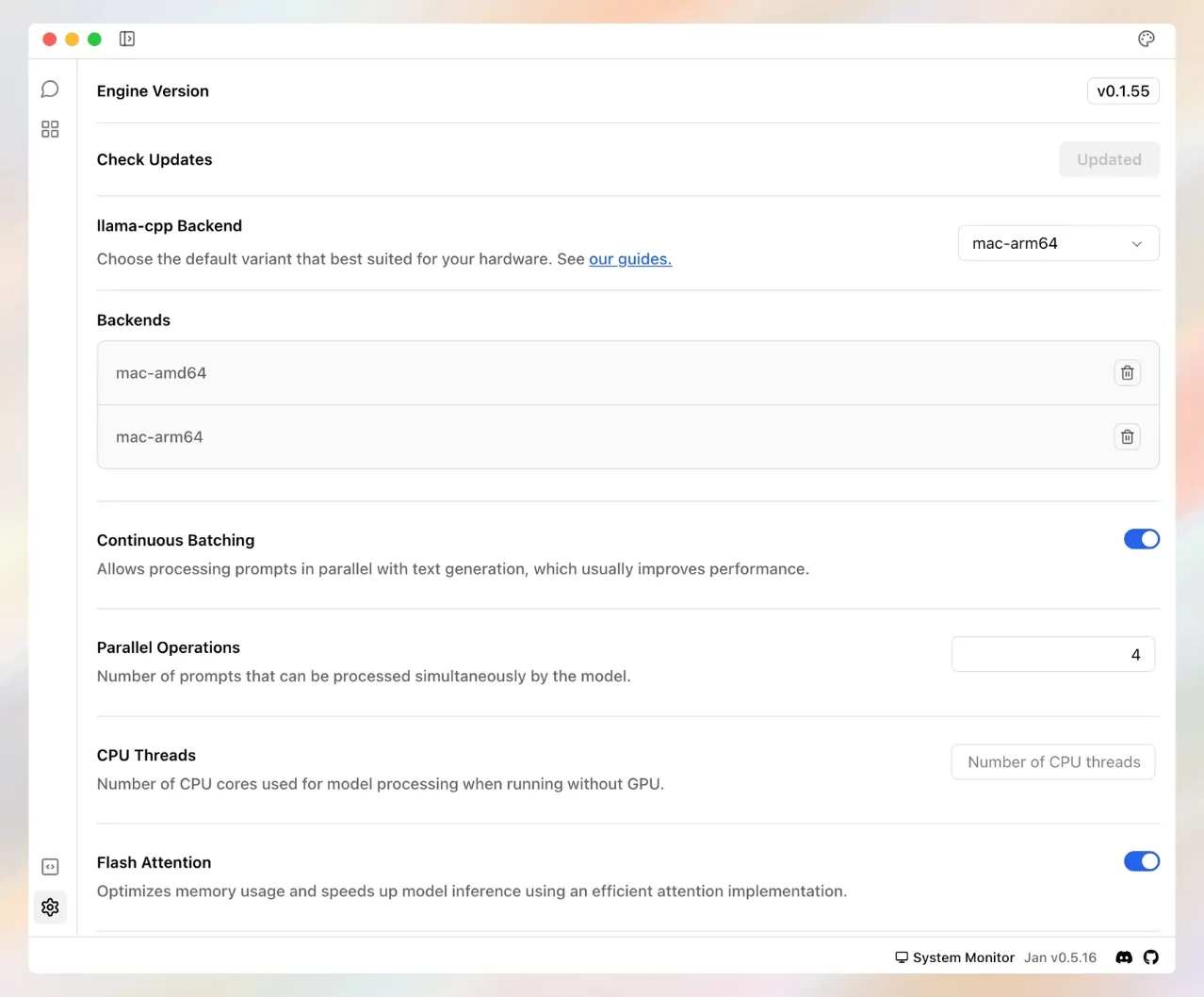
What: A full desktop client — threads, assistants, and a local server other apps can call.
Why: Open source where LM Studio is not, with the API server built in.
Use when: You want a desktop app whose code you can read.
Install:
brew install --cask janCatch: Fewer polish features than LM Studio, and its license requests attribution in user-facing materials.
3. Ollama: the CLI standard #
Ollama is a command-line tool that runs open models locally with one command (186,000+ GitHub stars on 2026-11-11). It also serves a local HTTP API that other tools plug into.
What: ollama run starts a model from its catalog in one line; the API keeps it available to your scripts.
Why: Most local-LLM tools connect to Ollama first.
Use when: You live in the terminal and want models running in minutes.
Install:
curl -fsSL https://ollama.com/install.sh | shCatch: The default context window (how much text the model sees at once) is 4096 tokens. Long documents need a larger setting.
4. llamafile: the model is the executable #
llamafile packs a model and its engine into one executable file. It combines llama.cpp with Cosmopolitan Libc, a C library that builds one binary for many systems.
What: Download one file, mark it executable, run it. The same file runs across Windows, macOS, Linux and BSD.
Why: No install: copy a working model to another machine like a document.
Use when: You want to share a model or run one on a machine you cannot install software on.
Install:
curl -L -o llamafile https://github.com/mozilla-ai/llamafile/releases/download/0.10.6/llamafile-0.10.6 && chmod +x llamafileCatch: Windows only runs executables under 4 GB, so bigger models must load external weights.
5. llama.cpp: the engine underneath #
llama.cpp is the C/C++ inference engine (the code that runs the model) that llamafile and Jan build on.
What: A CLI and llama-server, with tools to compress models, offload layers to the GPU and tune every setting by flag.
Why: New hardware support and quant formats land here first.
Use when: You are tuning for your exact machine, or building your own tooling.
Install:
curl -LsSf https://llama.app/install.sh | shCatch: You set GPU layers, context size and compression yourself.
6. Open WebUI: the web layer #
Open WebUI is a self-hosted, ChatGPT-style web app built to run offline. It connects to local models through Ollama or any OpenAI-compatible API.
What: User accounts, model switching, and chat over your own documents.
Why: One browser tab for every local and cloud model on your network.
Use when: Ollama or llama.cpp is already running and you want a real UI for a household or team.
Install:
pip install open-webui && open-webui serveCatch: Its custom license bars removing Open WebUI branding for more than 50 users in 30 days without an enterprise license. Fine at home, a limit for a company rollout.
7. LocalAI: the drop-in API server #
LocalAI is a local API server that runs text, vision, voice, image and video models. It copies the OpenAI, Anthropic and ElevenLabs APIs, so existing code works unchanged.
What: Point your SDK's base URL at localhost and it answers.
Why: One server fronts many backends, so app code does not change per model.
Use when: Your application already speaks the OpenAI SDK and you want it off the cloud.
Install:
docker run -ti --name local-ai -p 8080:8080 localai/localai:latestCatch: The macOS DMG is not signed by Apple; you must run sudo xattr -d com.apple.quarantine /Applications/LocalAI.app after installing.
Which one to try first #
Never run a local model → #1. Want open source on the desktop → #2. Wiring scripts to a local API → #3. Moving models between machines → #4. Squeezing hardware → #5. A shared chat UI → #6. Your code already speaks the OpenAI SDK → #7.
FAQ
- What hardware do I need to run an LLM locally?
- Any recent laptop runs small quantized (compressed) models; more RAM or a GPU runs bigger ones. LocalAI's model gallery shows which models fit your VRAM before you download.
- Is LM Studio free for work use?
- Its license covers personal and internal business purposes, and some features are offered for a fee per its terms (checked 2026-11-11).
- Ollama or llama.cpp?
- Ollama for one-line installs and a standard local API; llama.cpp when you want control over quantization, GPU offload and serving flags — it is the engine projects like llamafile and Jan build on.